
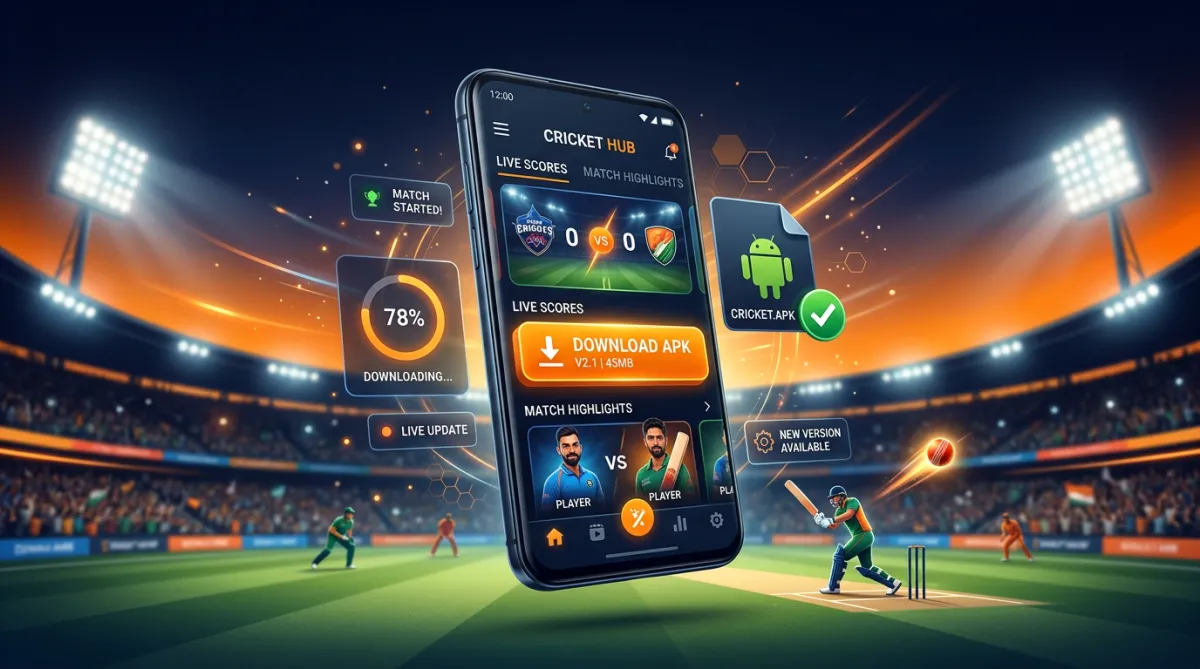
18+ ONLY · RESPONSIBLE GAMBLING: Funinexchange is a real-money betting and gaming platform for adults aged 18 years and above. Sports betting and casino games involve significant financial risk and can be addictive. Never wager money you cannot afford to lose, set personal limits, and take regular breaks. Play responsibly.
Want to bet on live cricket, play Teen Patti, or use a full betting exchange on your phone? The official Funinexchange app (also called the funin exchange, fun exchange, or funny exchange app) is the fastest way to do it on Android. This guide walks you through the complete funinexchange APK download and installation process — safely, step by step — and tells you exactly what you need before you start.
What Is the Funin Exchange App?
Funin Exchange is a mobile sports exchange and casino platform built for Indian players. Unlike a traditional bookmaker, an exchange lets you back (bet for) or lay (bet against) outcomes at better odds. The app bundles:
- Cricket exchange — live ball-by-ball markets for IPL and international matches
- Sports exchange — football, tennis, basketball, horse racing and more
- Casino & instant games — Teen Patti, Andar Bahar, Roulette and crash games
- Instant payments — UPI, PhonePe, Google Pay and Paytm deposits and withdrawals
The APK is the official Android app file. Because real-money gaming apps are restricted on the Google Play Store in many regions, the file is distributed directly from the official website instead.
Before You Download: Check These 3 Things
| Requirement | Minimum |
|---|---|
| Android version | 6.0 (Marshmallow); Android 8.0+ recommended |
| Free storage | 100–150 MB |
| Internet | Stable 4G/5G or Wi-Fi (needed for live markets) |
The app runs on most modern phones — Samsung, Xiaomi, Realme, OnePlus, Vivo, Oppo and similar brands.
Step-by-Step: Funinexchange APK Download (Safe Method)
⚠️ Safety first (YMYL): Only download the APK from the official Funinexchange website (funinexchange.app) or links given directly by official support. Never download from third-party sites, Telegram channels, or random Google results — unofficial APKs can contain malware and steal your money.
- Open Chrome (or any browser) on your Android phone.
- Go to the official site: funinexchange.app.
- Tap the "Download APK" or "Get the App" button on the homepage or the download page.
- Wait for the download to finish — the file is usually named something like
Funinexchange.apkin your Downloads folder. (File size: [VERIFY — add exact MB].) - Alternative official method: message the official WhatsApp number shown on the website and request the latest verified APK link. This guarantees you receive the authentic file.
Step-by-Step: Install the APK on Android
Android blocks apps from "unknown sources" by default. Here is how to allow and install it safely:
- Go to Settings → Security (or Settings → Apps → Special access → Install unknown apps on newer Android).
- Select your browser (e.g., Chrome) and allow "Install unknown apps."
- Open the downloaded
Funinexchange.apkfrom your Downloads folder. - Tap Install.
- When finished, tap Open.
- Security tip: you can switch "Install unknown apps" back off after installation — the app will keep working normally.
Tip: If you see a prompt saying "Google Play Protect — install anyway", this is normal for APKs from official sites; just confirm. Keep the app updated by checking the official site for newer versions — updates install right over the old file without losing your account.
First Launch: Get Your Exchange ID
- Open the app.
- Existing users: enter your funinexchange login details.
- New users: start the sign-up by messaging the official WhatsApp number shown in the app or on the website.
- Share the required details and make the minimum deposit ([VERIFY — e.g., ₹100] via UPI).
- Receive your unique exchange ID within minutes, log in, change your password immediately, and start playing.
Need the full sign-up walkthrough? Read [How to Get a Fun Exchange ID in 5 Minutes] (post 06).
Quick Troubleshooting Table
| Problem | Likely cause | Fix |
|---|---|---|
| "App not installed" | Old Android version or storage full | Update Android / free 150 MB, retry |
| "Parse error" | Corrupted or incomplete download | Delete the file, re-download from the official site |
| Install button greyed out | Unknown sources not enabled | Enable it for your browser (steps above) |
| App crashes on open | Low storage or old version | Clear cache, reinstall latest APK |
| Download blocked by browser | Security warning | Confirm the site is official, download again |
For anything else, contact official 24/7 WhatsApp support — the number is listed on the official website only.
Frequently Asked Questions
Q1. Is the Funinexchange APK free to download?
Yes. The fun exchange app download APK is completely free. You only deposit money when you want to play for real.
Q2. Why isn't the app on the Google Play Store?
Real-money gaming apps are restricted on Google Play in many regions, so the official method is direct APK download from the authorized website.
Q3. How do I update the app?
Download the latest version from the official site and install it over the existing file. Your account and balance stay safe.
Q4. Can I use the same ID on the app and the website?
Yes. Your exchange ID works seamlessly on both the funinexchange app and the browser version.
Q5. How do I know the APK is real and not a fake?
Only download from funinexchange.app or from official WhatsApp support. Never trust "funinexchange APK" files from third-party sites. See [How to Spot Fake Fun Exchange APKs & Clone Websites] (post 26).
Q6. Is my money safe in the app?
When you use the official app and follow security guidelines (strong password, no sharing OTP, no third-party downloads), the platform protects transactions with industry-standard encryption. Withdraw winnings regularly if you prefer.
Final Checklist Before You Play
- ✅ Downloaded from the official website only
- ✅ "Install unknown apps" enabled for your browser
- ✅ Installed, logged in, password changed
- ✅ Deposit limit set, budget decided, 18+ confirmed
- ✅ Never share your ID or OTP with anyone
Ready? Download the Funinexchange APK from the official site, install it in under two minutes, and you're ready for live cricket, sports exchange and casino games on your phone.
Remember: play only if you are 18+, stay within your limits, and always download from official sources. Gambling involves risk — play responsibly.
